
AutoCAD, Revit & BIM Support for Construction Companies
The most demanding software on your network shouldn’t get the same generic IT support as email.
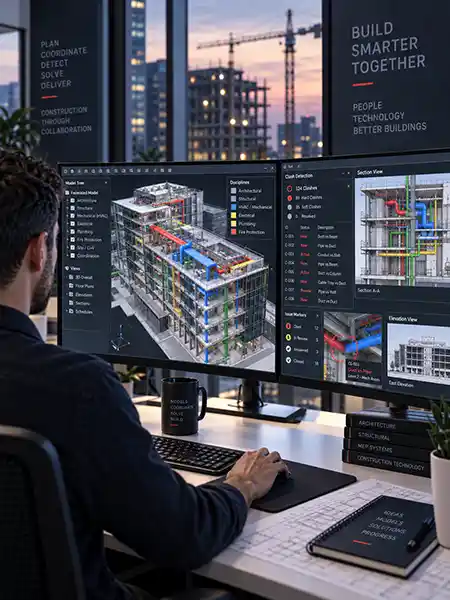
IT Support for Design-Heavy Construction Software
AutoCAD, Revit, BIM & Autodesk Forma
Design and engineering software occupies a strange position in most construction firms’ IT environments: it’s often the single most demanding software on the network, running on the most expensive workstations, generating the largest files — and it’s frequently supported with the same generic approach as email and office productivity tools. That mismatch is where performance problems, file corruption, and collaboration breakdowns come from.
Treating AutoCAD, Revit, BIM workflows, Autodesk Forma, Navisworks, point clouds, and cloud worksharing like ordinary office applications creates predictable problems: slow models, synchronization delays, workstation bottlenecks, version confusion, and remote users who can’t work efficiently.
Preactive IT Solutions supports the infrastructure behind design-heavy construction workflows — workstations, storage, identity, connectivity, cloud collaboration, backup, and remote access — so design and VDC teams spend less time working around IT limitations and more time designing.
BIM Is a Workflow, Not a Single Application
Revit, AutoCAD, Navisworks, Autodesk Forma & More
Building Information Modeling (BIM) is a process for creating, coordinating, and managing digital information about a built asset. A BIM workflow connects 3D geometry with project information, coordination data, schedules, quantities, and other information throughout design and construction — it isn’t a single application.
A BIM environment typically includes several technologies working together:
- Revit for BIM authoring
- AutoCAD and Civil 3D for CAD and civil workflows
- Navisworks for coordination and clash-detection workflows
- Forma Data Management (formerly Autodesk Docs) for document and common-data-environment functions
- Forma Design Collaboration (formerly BIM Collaborate Pro) and Revit Cloud Worksharing for distributed model collaboration
- Autodesk Model Coordination for cloud-based coordination workflows
- Autodesk Desktop Connector for access to cloud-hosted project files
- Point clouds and laser-scan data feeding coordination and existing-conditions models
Autodesk rebranded several of these products under the Forma name in 2026 — the underlying tools and workflows carried over, so firms already using Autodesk Construction Cloud or BIM Collaborate Pro don’t need to change anything except what they call it. Supporting BIM means supporting the relationships among the workstation, the network, the cloud platform, the identity, and the project data — not just the software license.
Why Revit and CAD Performance
Problems Are Different
CPU, Memory, GPU, Storage & Network
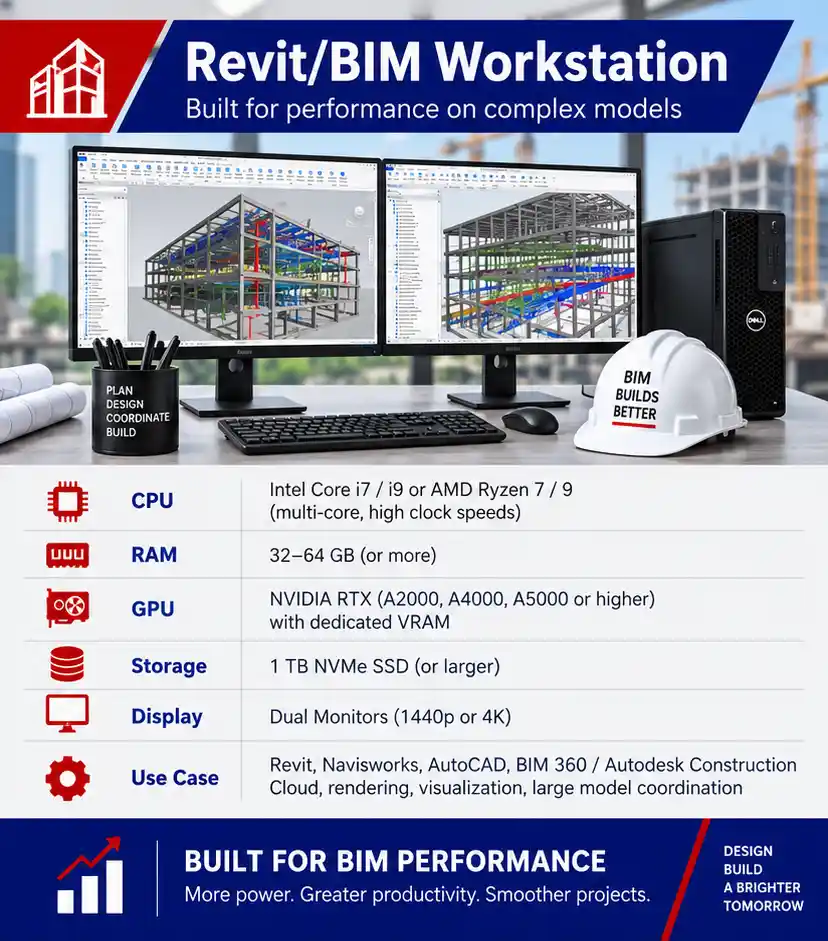
Revit performance cannot be reduced to “buy a better graphics card.” Different operations stress different parts of the workstation and infrastructure, and the most common fix — a GPU upgrade — often isn’t the one that actually matters.
CPU performance. Many Revit operations depend heavily on processor performance, including strong single-core performance, while some rendering and compute tasks can take advantage of additional cores.
Memory. Large and complex models, linked files, point clouds, and multiple applications open at once can require substantially more RAM than a normal office workload.
GPU. Graphics hardware affects model display, visualization, rendering, and other graphics-intensive workflows, but it’s only one component of overall Revit and CAD performance — not the primary bottleneck it’s often assumed to be.
Storage. Fast local storage improves application loading, caching, and handling of large local files.
Network and cloud worksharing. Revit Cloud Worksharing, Forma Data Management, linked models, and remote collaboration introduce bandwidth, latency, authentication, synchronization, and cloud-platform dependencies that don’t exist in a purely local workflow.
Preactive IT evaluates the actual workflow rather than assuming every performance complaint is a workstation-replacement problem.
The Construction
IT & Cybersecurity Guide
Cybersecurity, Connectivity,
Software & Compliance for Contractors

The Construction
IT & Cybersecurity Guide
Cybersecurity, Connectivity,
Software & Compliance for Contractors

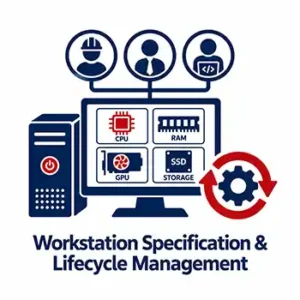
Workstation Specification and Lifecycle Management
Hardware Standards Built Around Real Workflows
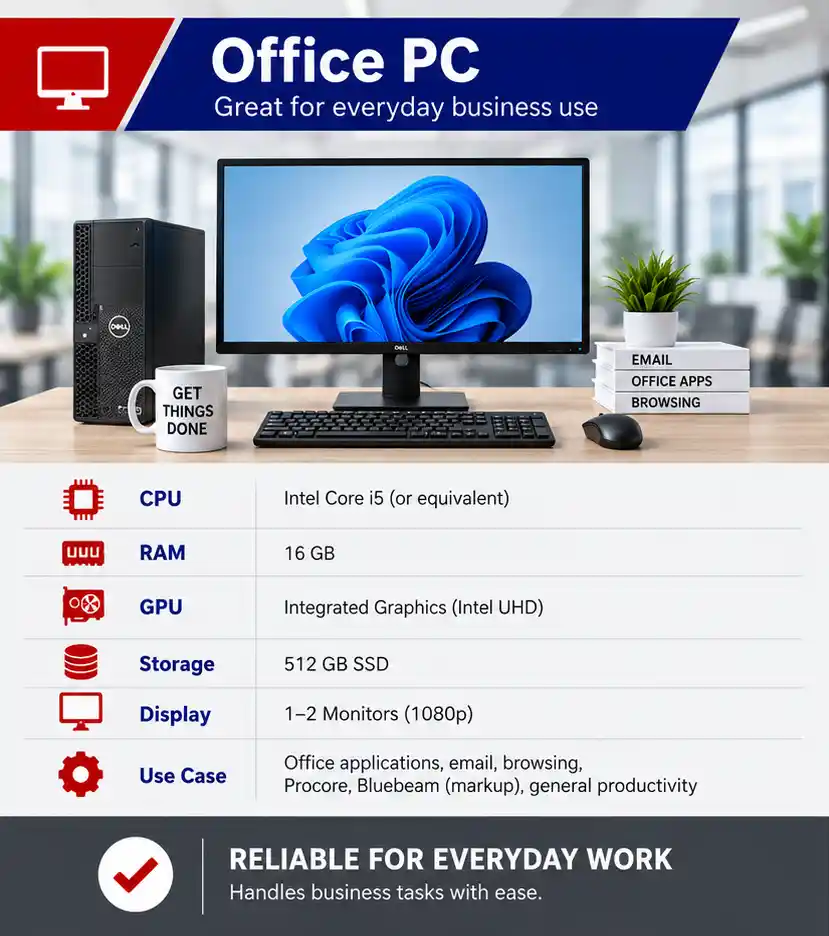
A project manager using email and Procore doesn’t need the same workstation as a VDC manager coordinating a large Revit model or point-cloud dataset. Preactive IT helps construction firms standardize hardware around real user roles and application requirements rather than buying one generic computer for everyone.
That includes:
- CPU, RAM, GPU, and storage profiles by role
- Standard workstation configurations for Revit, CAD, and VDC users
- Driver, firmware, and operating-system lifecycle management
- Endpoint security that doesn’t unnecessarily interfere with design performance
- Monitoring and replacement planning before aging hardware becomes a productivity problem
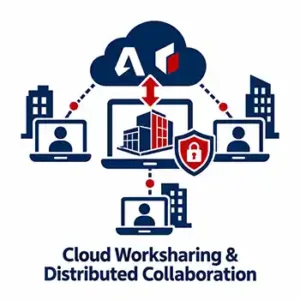
Revit Cloud Worksharing, Autodesk Forma & Distributed Collaboration
Cloud Collaboration, Identity & Connectivity
Distributed design teams increasingly collaborate through Autodesk’s cloud platform instead of traditional file shares. Revit Cloud Worksharing and Forma Design Collaboration can make multi-office and remote coordination easier, but performance still depends on stable internet access, correctly configured identities, healthy workstations, and disciplined project organization.
Preactive IT supports the IT layer around those workflows, including:
- Reliable bandwidth and network performance
- Microsoft 365 and Autodesk identity considerations
- Endpoint configuration and patching
- Secure remote access
- Desktop Connector dependencies
- Backup and recovery planning for supporting project data
- Coordination with Autodesk or application vendors when the issue is product-specific
For the connectivity side of distributed design work, see Network Infrastructure & Job-Site Connectivity.
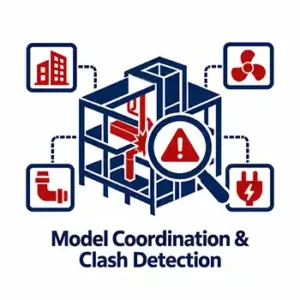
Navisworks, Model Coordination & Clash Detection
Coordinating Models Across Disciplines
Revit is a BIM authoring platform, not a coordination tool on its own — clash-detection and coordination workflows commonly extend into Navisworks and Autodesk Model Coordination. Those environments bring together models from multiple disciplines and can be especially demanding when teams are working with large federated models, linked files, and point-cloud data.
The IT challenge is keeping the supporting infrastructure fast and predictable while protecting the project data being exchanged among internal teams and outside collaborators.
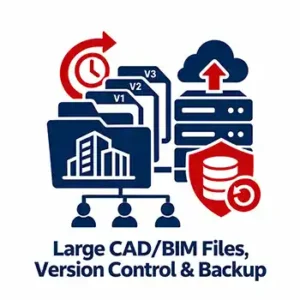
Large CAD/BIM Files, Version Control & Backup
Collaboration, Version History & Disaster Recovery
Design data behaves differently from ordinary office files. Large Revit models, CAD drawings, laser scans, and drone data can make backup windows, file synchronization, and remote access more difficult than a typical office file share was ever built to handle.
A sound strategy separates three related functions:
- Collaboration: where active teams work with current project data
- Version history: how users recover from accidental edits or synchronization problems
- Backup/disaster recovery: how the organization restores data after a larger failure or cyber incident
Cloud collaboration doesn’t eliminate the need for a recovery strategy. Preactive IT helps construction firms design storage, access, versioning, and backup around the size and importance of their design data.
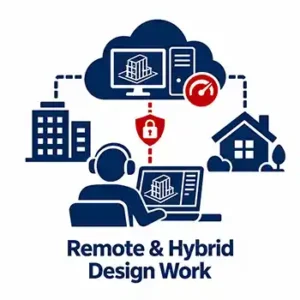
Remote and Hybrid Design Work
Virtual Workstations & High-Performance Remote Access
Remote Revit and AutoCAD work isn’t the same as remotely accessing a spreadsheet. Depending on the workflow, firms may use cloud worksharing, high-performance remote desktop technologies, virtual workstations, or local workstations accessing cloud-hosted project data.
The right architecture depends on model size, graphics requirements, internet quality, latency, security, and whether users need access from multiple offices or job sites. Preactive IT focuses on giving design staff a usable experience without bypassing the access and security controls protecting project intellectual property.
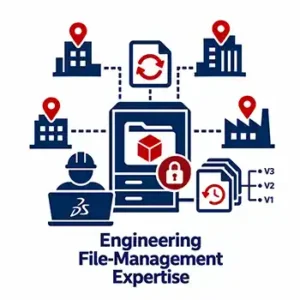
Adjacent Engineering File-Management Expertise
SOLIDWORKS PDM & Multi-Site File Replication
Preactive IT also has direct experience with SOLIDWORKS PDM and multi-site PDM replication in engineering environments. That’s not the center of a Revit or BIM workflow, but it demonstrates experience with the broader problem these systems share: large engineering files, controlled access, distributed teams, version history, and performance across multiple locations.

Case Study
General Contractor Network & Security Overhaul
A Texas general contractor with more than 100 employees, previously reliant on a small, reactive IT provider, now runs on a fully managed, monitored environment. Preactive IT implemented company-wide endpoint security, email filtering, backup and disaster recovery, formal help-desk support, and a redesigned high-availability network.
The engagement shows how cybersecurity improves when it is built into the infrastructure and support model instead of added as a standalone tool.
“When our network hit a critical crisis, their team jumped in without missing a beat, troubleshot the issue, and had us fully back up and running by the end of the day. Partnering with them for our ongoing IT and network needs has given us a completely different level of confidence.”
Director of Human Resources, Texas General Contractor
Schedule A Free 30-Minute Consultation
No pressure, no cost, just a simple discovery meeting so we can learn about your business and offer appropriate IT solutions.
Additional IT Resources for Construction Companies
Related Construction IT & Security Pages
- Download The Construction IT & Cybersecurity Guide
- IT Services for Construction Companies
- Cybersecurity for Construction Companies
- Procore, Bluebeam & Construction Software Support
- Network Infrastructure & Job-Site Connectivity
- IT & Cybersecurity Compliance for Construction Companies
- Construction General Contractor IT Case Study

Frequently Asked Questions: Cybersecurity for Constructions
Why does Revit run slowly on a relatively new computer?
Age alone doesn’t determine Revit performance. Processor performance, RAM, graphics hardware, local storage, model complexity, linked files, cloud-worksharing behavior, and network conditions can all contribute. The right fix starts with identifying which resource or workflow is actually creating the bottleneck — not assuming it’s the graphics card.
Does Revit need a powerful GPU?
A capable GPU matters for graphics display, visualization, and other graphics-heavy tasks, but Revit performance also depends heavily on CPU, memory, storage, and model or worksharing conditions. A balanced workstation built for the user’s actual role is more useful than optimizing only one component.
What is the difference between Revit and Navisworks?
Revit is primarily a BIM authoring platform. Navisworks is commonly used to aggregate models from multiple disciplines for coordination, review, simulation, and clash-detection workflows — Revit doesn’t perform multi-discipline clash detection on its own.
How should construction firms manage and back up large CAD and BIM files?
Separate active collaboration, version history, and disaster recovery. Use controlled project storage, consistent permissions, appropriate cloud or network performance, and a backup and recovery plan sized for the volume and importance of the design data.
Can design teams work effectively on Revit or AutoCAD remotely?
Yes, but the architecture should match the workflow. Revit Cloud Worksharing, cloud-hosted project data, virtual workstations, or optimized remote desktop technologies may all be appropriate depending on model size, latency, graphics requirements, and security needs.
What happened to BIM Collaborate Pro?
Autodesk rebranded BIM Collaborate Pro as Forma Design Collaboration in 2026, alongside renaming Autodesk Docs to Forma Data Management, as part of consolidating its construction cloud products under the Autodesk Forma name. Existing licenses and project data carried over automatically. The underlying capability — Revit Cloud Worksharing and coordination across distributed project teams — hasn’t changed, and reliable connectivity, identities, endpoints, and project organization remain just as important now that the platform is cloud-based.
Our Locations

Houston TX
Preactive IT Solutions, LP
1220 Blalock Road, Suite 345
Houston, Texas 77055
Phone: (832) 944-6250
Email: [email protected]

Austin TX
Preactive IT Solutions, LP
2505 E 6th St Suite C,
Austin, TX 78702
Phone: (512) 812-7227
Email: [email protected]

San Antonio, TX
Preactive IT Solutions, LP
700 North Saint Mary’s Street, Suite 1210
San Antonio, Texas 78205
Phone: (210) 864-2929
Email: [email protected]

Beaumont, TX
Preactive IT Solutions, LP
985 I-10 St suite 103,
Beaumont, TX 77706
Phone: (409) 239-0004
Email: [email protected]