
The short answer
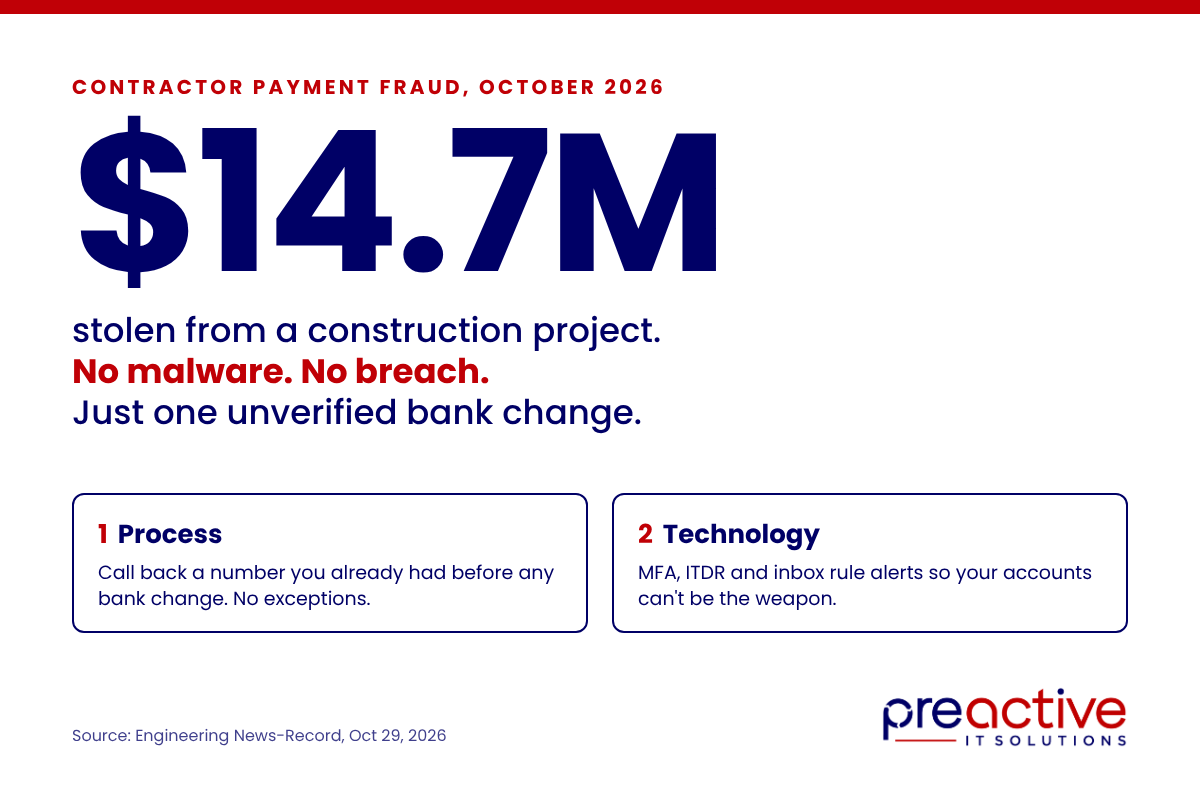
On October 2, 2026, a fraudster posing as general contractor B.L. Harbert International collected a $14.7 million progress payment from the City of Mobile, Alabama, on the $300 million Regions Arena project. Nobody was hacked. No malware ran. The impostor spent five months on emails, phone calls and paperwork until the city changed the contractor’s bank account in its payment system, then waited for the next invoice to be paid. Engineering News-Record reported the details on October 29.
For Houston contractors and engineering firms, the lesson has two layers. The first is process: no bank change is ever accepted without a callback to a number you already had. The second is technology: the security tools that keep your own email accounts from becoming the weapon used against your clients and partners. Mobile’s failure was the first layer. Most contractors we see are exposed on both.
What happened in Mobile
- Late May 2026: someone claiming to be B.L. Harbert contacts the city’s finance department with false documents.
- Summer: using the names of real B.L. Harbert employees in emails and calls, the impostor builds enough trust to get the contractor’s vendor record changed: bank account, address and contact details.
- About two months in: a city employee sends the impostor a genuine B.L. Harbert invoice, which makes the whole thread look legitimate as it moves up the approval chain.
- October 2: the city pays $14.7 million to the fraudulent account.
- October 7: the real B.L. Harbert asks where its payment is. A hurricane and a bank holiday eat the next week.
- October 16: the city confirms the money is gone. The FBI and Secret Service are investigating. One employee has been fired and two placed on leave.
The city covered the payment from project contingency and says the arena will not be delayed. The money has not been recovered. Mobile had already caught a smaller diverted payment in August and tightened its vendor-change rules, but the fraudulent change that mattered had been made months earlier.
Why this is a construction problem, not just a city hall problem
Every general contractor, subcontractor and engineering firm in Houston sends and receives bank-change requests. Pay applications are large, payment schedules are public in the bid documents, and project teams change constantly, so an unfamiliar name in a familiar company’s email thread does not look strange. The scam that hit Mobile works just as well on a GC paying a sub, a sub paying a supplier, or an owner paying an engineer. The dollar amounts are smaller. The mechanics are identical.
It also runs in reverse. If a fraudster gets into one of your employees’ email accounts, your company becomes the impostor. The bank-change request goes to your client from your real address, and when the client’s payment vanishes, the relationship goes with it.
Layer one: the process that would have stopped Mobile
The cybersecurity consultants quoted by ENR were blunt: this was a verification failure, not a technology failure. The fix is a rule with no exceptions.
- Every bank or remittance change is confirmed by phone to a number your company already had on file before the request arrived. Never a number in the email, never a number on the new W-9 or voided check that came with the request.
- Two people approve every vendor record change, and neither is the person who received the request.
- A genuine invoice proves nothing about a bank change. Mobile’s staff treated a real invoice as proof the sender was real. Fraudsters get invoices from compromised inboxes and public records all the time.
- A vendor asking about a missing payment is an emergency, not a ticket. Mobile took two weeks. Funds moved by wire are often unrecoverable after 48 hours.
- Hold the first payment after any change for a second verification, or send a small test payment and confirm receipt by phone before releasing the balance.
Layer two: the tools that keep you from being the impostor
Process stops a stranger from changing your vendor records. It does not stop a criminal who is already inside a real email account at your company or your sub’s. That is the version of this scam most Houston contractors actually face, and it is where the right security stack earns its keep.
| Control | What it stops |
|---|---|
| Multi-factor authentication on every mailbox, with no legacy protocols | A stolen password is not enough to get in |
| Identity Threat Detection and Response (ITDR) | Watches Microsoft 365 identities around the clock for token theft, MFA fatigue attacks, suspicious consent grants and session hijacking, and can lock the account automatically before the attacker sends a single email |
| Monitoring for new inbox rules and forwarding | The attacker’s first move after getting in is a rule that hides replies. Catch it the same day |
| Sign-in alerts for impossible travel and unfamiliar locations | A login from another country at 3 AM is flagged before the first fraudulent email goes out |
| Lookalike domain detection and DMARC enforcement | Email from blharbert-inc.com or a misspelled version of your own domain is blocked or quarantined |
| Banner on external email, and on display-name mismatches | Staff see that “Jane from Accounting” is writing from outside the company |
| Security awareness training built around pay app fraud | Your AP team recognizes the pattern because they have seen the examples |
ITDR deserves a word on its own, because it is the control most contractors have never heard of and the one that changes the outcome. Traditional email security looks at messages. ITDR looks at the identity behind them: who is signed in, from where, with what token, doing what. Modern account takeovers often bypass MFA entirely by stealing a session token from a phishing page, and nothing about the resulting login looks wrong to a password-and-MFA check. ITDR sees the behavior, not just the credentials, and responds in minutes rather than after the money moves.
These are not exotic. Every one of them, including ITDR, is included in Preactive IT Solutions’ standard managed services package, and they are the difference between a provider that installs antivirus and one that watches the accounts your money moves through. The hidden half of poor IT support, the part we describe in the IT problems you can’t see, is exactly this: hacked email accounts, ignored alerts and unprotected endpoints that nobody notices until a payment disappears.
A checklist for your accounts payable team
- Written policy: all vendor bank changes verified by callback to a previously known number. No exceptions for urgency, seniority or familiarity.
- Dual approval for every vendor master record change.
- Vendor contact numbers collected at onboarding and stored outside email.
- Hold or test payment after any change.
- Missing-payment reports from vendors escalated to finance leadership the same hour.
- MFA, ITDR, mailbox rule monitoring, sign-in alerts, DMARC and external email banners confirmed active with your IT provider, in writing.
- Annual pay app fraud training for everyone who touches vendor records or approves payments.
Frequently asked questions
What happened in the Mobile, Alabama contractor payment fraud?
A fraudster impersonated general contractor B.L. Harbert International for about five months, convinced the City of Mobile to change the contractor’s bank details, and collected a $14.7 million arena project payment on October 2, 2026. No systems were breached. The FBI and Secret Service are investigating.
How do contractors prevent vendor payment fraud?
Verify every bank or remittance change by calling a phone number already on file, require two approvers for vendor record changes, treat a real invoice as no proof of identity, and escalate any missing-payment report immediately. Pair that with MFA, mailbox rule monitoring and DMARC so your own accounts cannot be used to run the scam on others.
Can security software stop business email compromise?
Partly. Tools like MFA, sign-in monitoring, inbox rule alerts and lookalike domain blocking stop most account takeovers and many impersonation emails. They do not replace a callback verification policy, which is the only control that catches a fraudster who has not touched your systems at all.
What is ITDR and why does it matter for payment fraud?
Identity Threat Detection and Response monitors user identities in Microsoft 365 for signs of takeover such as stolen session tokens, MFA fatigue attacks and suspicious app consents, and can lock a compromised account automatically. It catches the account takeovers that bypass passwords and MFA, which are the usual first step in a bank-change scam run from a real email address.
What should I do if a vendor says they never received a payment?
Treat it as a possible fraud the same hour. Contact your bank to attempt a recall, pull the payment record to see if remittance details were recently changed, and notify law enforcement. Wire recoveries become unlikely after about 48 hours.
Does Preactive IT Solutions include these protections?
Yes. MFA enforcement, ITDR, mailbox rule and sign-in monitoring, DMARC, external email banners and security awareness training are part of Preactive’s standard managed services for Houston construction and engineering firms.
About Preactive IT Solutions
Preactive IT Solutions is a Houston managed IT services provider specializing in construction and engineering firms, serving Texas businesses since 2003. We support organizations of 40 to 250 users with a 24/7 help desk and a security stack built around the way contractors actually get attacked. If you are not sure whether your email accounts are monitored for the controls above, ask us for a review.
Source
- Fraudster Spent Months Posing as Contractor Before Diverting $14.7M Payment, Bryan Gottlieb, Engineering News-Record, October 29, 2026