
Why is AutoCAD or Revit so slow over VPN?
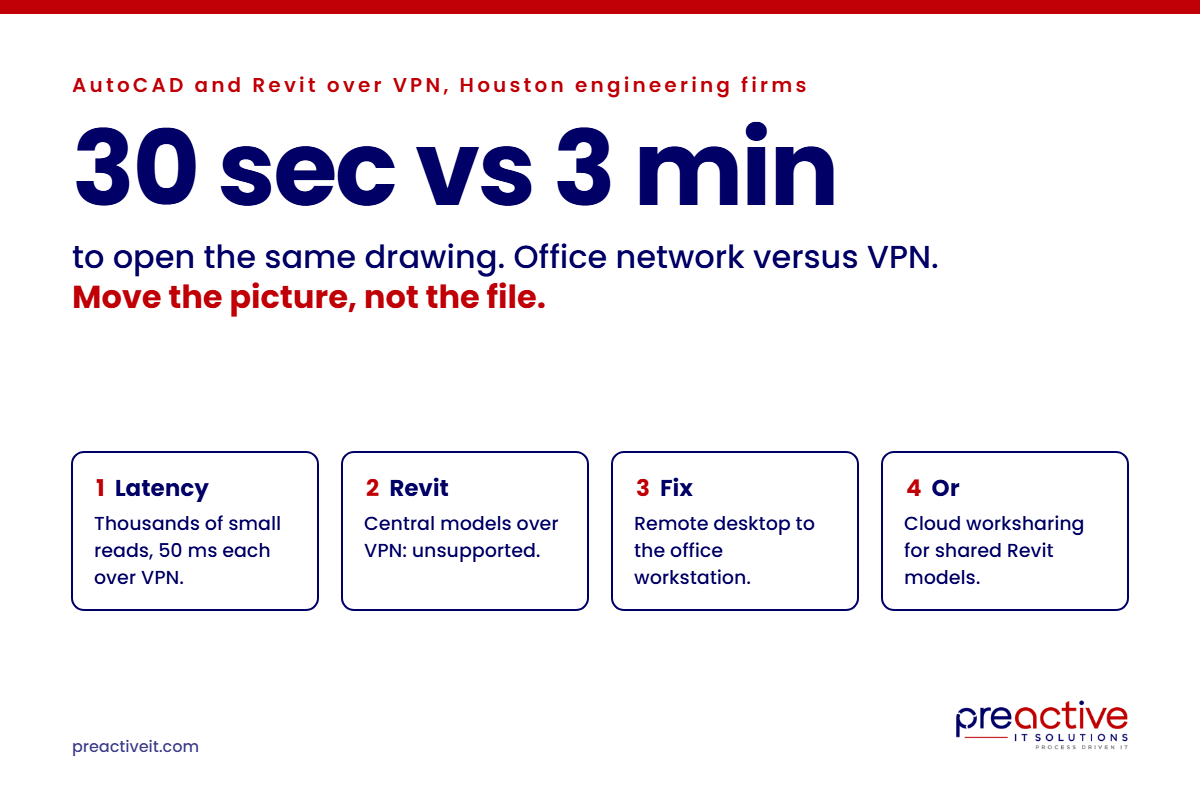
AutoCAD and Revit are slow over VPN because a VPN moves the file to the user, and CAD files are built to be read from a fast local network. A 150 MB drawing with a dozen external references opens in under a minute on the office network and takes many minutes over a home connection, because the application makes thousands of small reads and every one of them crosses the internet. Revit is worse: Autodesk says file-based worksharing is not designed for a WAN or VPN and does not support it, and firms that try it risk failed syncs and a corrupted central model.
The fix is to stop moving the file. Move the picture instead, with a remote desktop session to a workstation in the office, or move the model to cloud worksharing built for it. Preactive IT Solutions supports Houston engineering and construction firms that run both, and this post explains when each one fits and what not to do.
What actually makes CAD slow over a VPN connection?
Three things, and bandwidth is the least of them.
- Latency. On the office network a file read takes under a millisecond. Over a VPN it takes 30 to 80 milliseconds, sometimes more on a hotspot. AutoCAD opening a drawing with external references, fonts, plot styles and sheet sets performs thousands of those reads. Multiply a 50 millisecond round trip by a few thousand reads and a 30-second open becomes a 3-minute one.
- Upload speed. Home and job-site internet is usually fast down and slow up. Saving a 150 MB file over a 10 Mbps upload takes about two minutes if nothing else is using the line. Every save, every sync.
- Worksharing traffic. Revit’s local and central files exchange data constantly, not only when you synchronize. That traffic was designed for a local network and has no protection against the dropped packets and variable latency of a VPN. The result is “unable to access central model” errors, long syncs and, eventually, a corrupt central file.
Buying faster internet fixes the second problem and does nothing for the first and third. That is why firms that upgrade to gigabit fiber at home still see AutoCAD crawl and Revit still breaks.
How do you run AutoCAD remotely without the lag? Remote desktop, cloud worksharing or hosted desktops
You stop sending the file to the user. All three fixes below keep the drawing or model where it belongs and send the user a picture of it, or a copy built to sync.
Fix 1: remote desktop to a workstation in the office
The user connects to their own office computer, or to a shared CAD workstation, and works on it from home or the job trailer. The drawing never leaves the office network. Only screen updates, mouse and keyboard travel over the internet, and those are small. A remote desktop session over an ordinary 25 Mbps connection with latency under about 50 milliseconds feels close to sitting at the machine for 2D work, and a 150 MB drawing opens in the same time it does at the office. Heavy 3D orbiting in Revit will show some lag on any remote session.
This is the most cost-effective option for most firms because it uses hardware you already own. It needs three things done right: the workstation stays on and wired, the connection goes through a secured gateway with multifactor authentication rather than an open remote desktop port on the internet, and the session is sized for two monitors. We set this up for engineering clients more than any other option.
Fix 2: cloud worksharing for Revit and shared models
For Revit, Autodesk’s answer is cloud worksharing: the central model lives in Autodesk’s cloud and each user works on a local copy and synchronizes with central the same way they do today, except the sync is built for exactly the variable connections a VPN handles badly. It costs a per-user subscription on top of the Revit license, it does not support Revit LT and heavy sync operations still depend on the user’s upload speed. For firms collaborating with outside architects and engineers on the same model, it is usually worth it.
Fix 3: hosted virtual desktops with graphics cards
If the firm is going mostly remote, or opening a new office without wanting to build a server room, a hosted virtual desktop puts the CAD workstation in a data center with a GPU attached. Users get the same remote-desktop experience from anywhere, and the workstation is backed up and patched centrally. The trade-off is a monthly cost per user that is higher than a desktop you already own, and it needs careful sizing for Revit and 3D work. It fits firms with 20 or more CAD users spread across offices better than a 5-person shop.
What should you not do with AutoCAD and Revit files?
- Do not put a Revit central model on a file sync service. Autodesk does not support file-based worksharing through consumer sync tools. Two users syncing at once can corrupt the central model and lose work.
- Do not work on Revit central files over VPN. It is unsupported, and the first corrupt model costs more than the fix would have.
- Do not open remote desktop directly to the internet. An exposed remote desktop port is one of the most common ways ransomware gets into any business, engineering firms included. Put it behind a gateway with multifactor authentication.
- Do not copy drawings to a laptop and copy them back. Two versions of the same drawing is how a sheet gets issued with last week’s revision.
Which remote CAD option fits your firm?
For most firms with an office full of workstations, remote desktop first and cloud worksharing for the Revit projects that need it. The table shows where each option fits.
| Situation | Best fit | Why |
|---|---|---|
| Engineers work from home a few days a week, office has workstations | Remote desktop to office workstation | Uses what you own, no file movement, fastest to set up |
| Revit team shares models with outside architects or consultants | Cloud worksharing | Built for multi-firm, multi-location models |
| Two or more offices working the same Revit models | Cloud worksharing, or Revit Server with an Accelerator at each office | Revit Server needs about 3 Mbps and under 100 ms latency between sites |
| Mostly remote firm, 20+ CAD users, no server room | Hosted virtual desktops with GPUs | Central management, pay per user |
| Field staff viewing and marking up drawings on a tablet | Cloud document viewer, not full CAD | Viewing does not need the workstation |
Most Houston engineering firms we support end up with the first row for day-to-day work and the second for the projects that need it. Few need the third, and nobody should be on VPN for Revit.
What does remote CAD access cost under managed IT services in Houston?
Secured remote desktop access is set up under Preactive’s managed IT services fee of $160 to $180 per user per month. Multifactor authentication, monitoring and the 24/7 help desk that answers when the session will not connect at 6 AM are part of the service. Cloud worksharing subscriptions and hosted virtual desktops are licensed separately, and your account manager will put the numbers in the roadmap before anything is bought. See what is included in managed IT services for the full list.
Frequently asked questions
Why is AutoCAD so slow over VPN?
Because a VPN moves the drawing file across the internet and AutoCAD reads a drawing in thousands of small pieces. Each read waits on the internet round trip, usually 30 to 80 milliseconds, instead of under a millisecond on the office network. A drawing that opens in 30 seconds at the office can take many minutes over VPN, and faster internet does not fix latency.
Can you use Revit over VPN?
Not with a central model. Autodesk does not support file-based worksharing over VPN because the constant traffic between local and central files is not designed for variable latency, and the usual result is sync errors and a corrupt central model. Use remote desktop to an office workstation or Autodesk’s cloud worksharing instead.
What is the best way to run AutoCAD remotely?
For most firms, a remote desktop session to a workstation in the office, behind a secured gateway with multifactor authentication. The drawing stays on the office network and only screen updates cross the internet, so it feels close to sitting at the machine. For a Houston engineering firm with an office full of workstations it is the cheapest option and the fastest to set up.
Can you put Revit or AutoCAD files on a file sync service?
Not a Revit central model. Autodesk does not support worksharing through consumer sync tools, and two users syncing at once can corrupt the model and lose work. Standalone AutoCAD drawings can live in cloud storage for viewing and light edits, but production drawings with external references belong on a file server or in Autodesk Docs.
Do hosted virtual desktops work for Revit?
Yes, if they are sized with a dedicated GPU and enough memory for the model sizes the firm works on. They fit firms with 20 or more CAD users across multiple locations or going mostly remote. For a smaller firm with an office full of workstations, remote desktop to those workstations is cheaper and just as fast.
How fast does the internet need to be for remote desktop CAD work?
Less than most people expect. A stable 25 Mbps connection with reasonable latency handles a two-monitor remote desktop session for AutoCAD or Revit well, because only screen updates travel. Stability matters more than speed: a wired connection at home beats a faster Wi-Fi one, and a hotspot in the truck will work but will feel it.
About Preactive IT Solutions
Preactive IT Solutions is a Houston managed IT services provider specializing in construction and engineering firms, serving Texas businesses since 2003. We support organizations of 40 to 250 users with a 24/7 help desk staffed by our own technicians, one technician per 150 users and an average client relationship of more than eight years. See the full managed IT services in Houston offering, or ask us how your engineers should be working remotely.
Sources
- IMAGINiT Technologies, Why do Revit models get corrupt while working over a VPN connection?: file-based worksharing requires local and central files at the same location; Revit Server needs about 3 Mbps and 100 ms latency; sync services are not supported for worksharing.
- Autodesk, Bandwidth requirements for Revit file-based worksharing on a WAN: file-based worksharing is not designed for use on a WAN; rising latency raises the chance of failed operations and central model corruption.
- Autodesk, Options for Remote Access in Revit: cloud worksharing as Autodesk’s supported remote option.